

Hi everyone, I'm Teacher Tu.
Everyone who has submitted a paper has probably experienced this desperate moment:
Reviewer comments come back, and Figure 3 needs to be redrawn. Your supervisor looks at the mechanism figure you spent a week drawing and says: "Make the lines a little thicker, change the color scheme, it does not feel advanced enough."
You open AI (or those complex drawing tools) and look at dozens of stacked layers. At that moment, you even want to quit school. Scientific illustration has never been a matter of "draw once"; it is "draw once, revise ten times."
As large models continue to iterate, we now have AI tools such as Nano Banana. Although the drawing quality has improved greatly, the pain point is still too obvious: what AI gives you is only a "dead figure" (PNG).
Want to change a protein name? You cannot.
Want to move the position of an arrow? Sorry, run it again.
AI logic is wrong? Other than sighing at the screen, there is nothing you can do.
Teacher Tu recommends a very useful scientific drawing tool here: FigPad.ai.
One tool, covering multiple drawing scenarios
01 | By Text: enter one sentence and generate publication-level illustrations. Best for: people who have the logic in their minds but do not want to pick layers from scratch.
Enter your academic keywords (such as signaling pathway or mechanism hypothesis), and it can directly generate a Graphical Abstract with coordinated colors and rigorous structure.
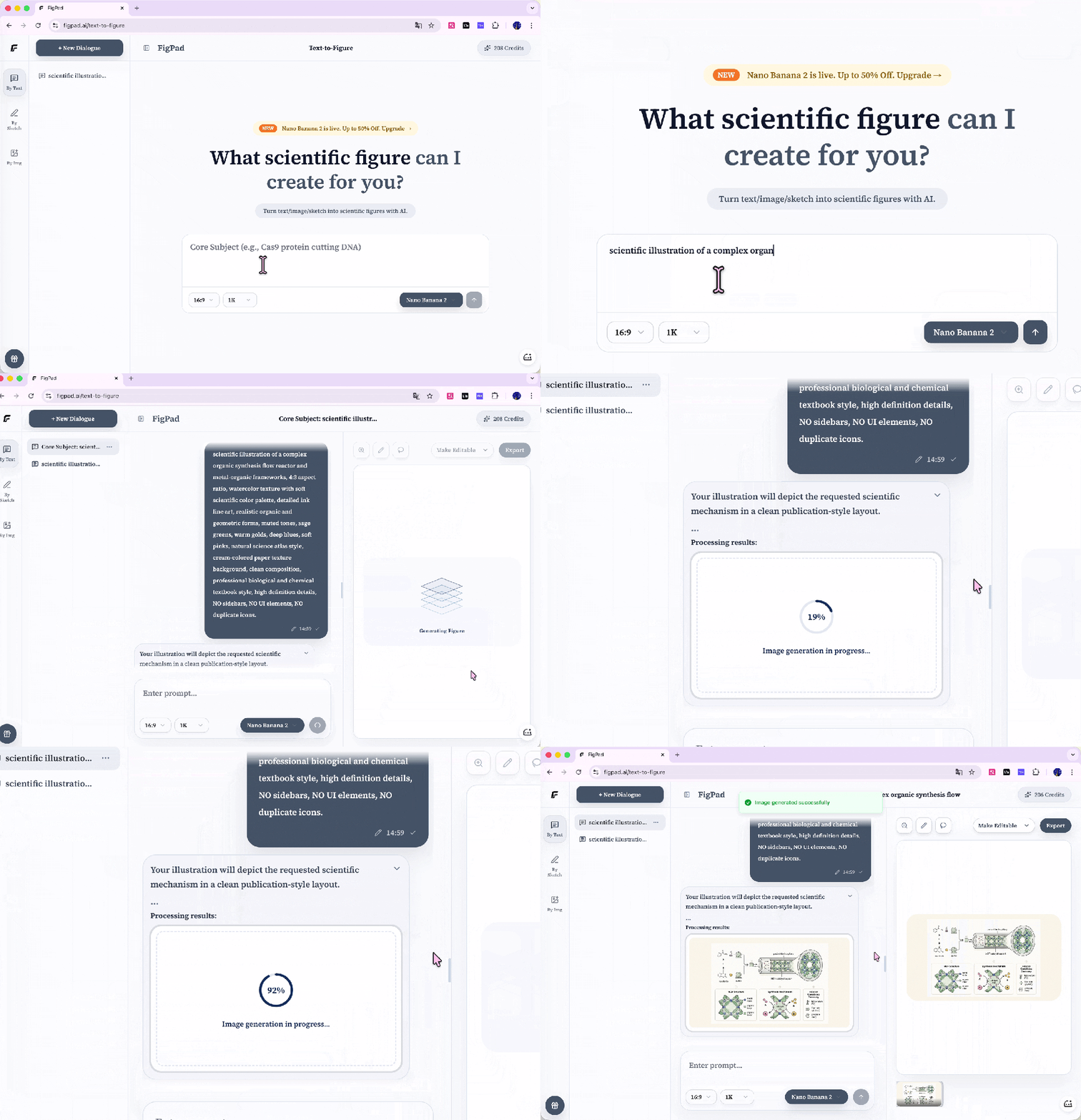
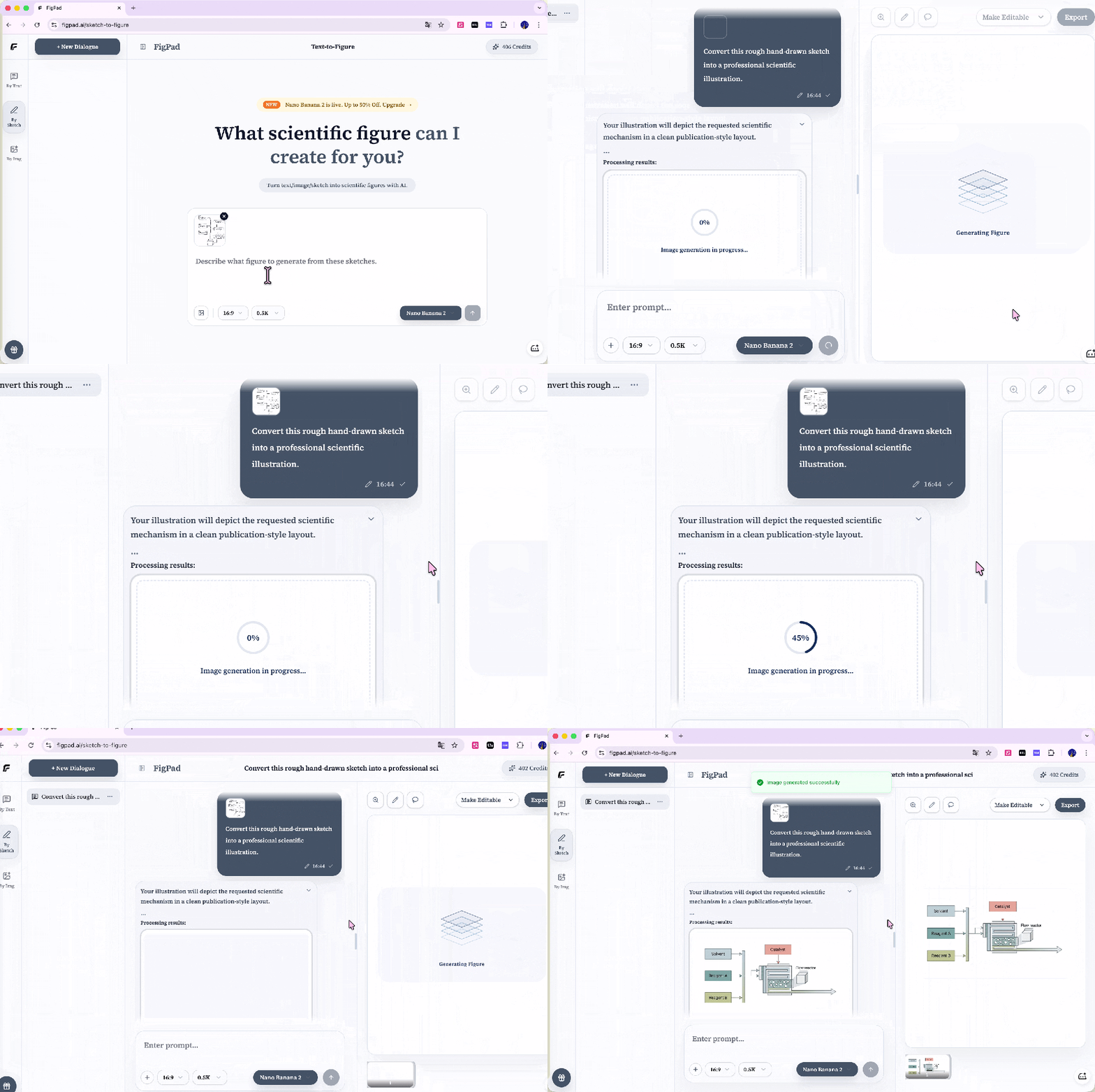
02 | By Sketch: hand-drawn draft turns into a journal cover in seconds. Best for: people who have ideas but average drawing skills, and are used to sketching in a notebook.
Take a photo of the messy lines in your notebook and upload it, then add one sentence of explanation. AI can instantly understand your composition and turn it into a clean, professional illustration that can be submitted directly.
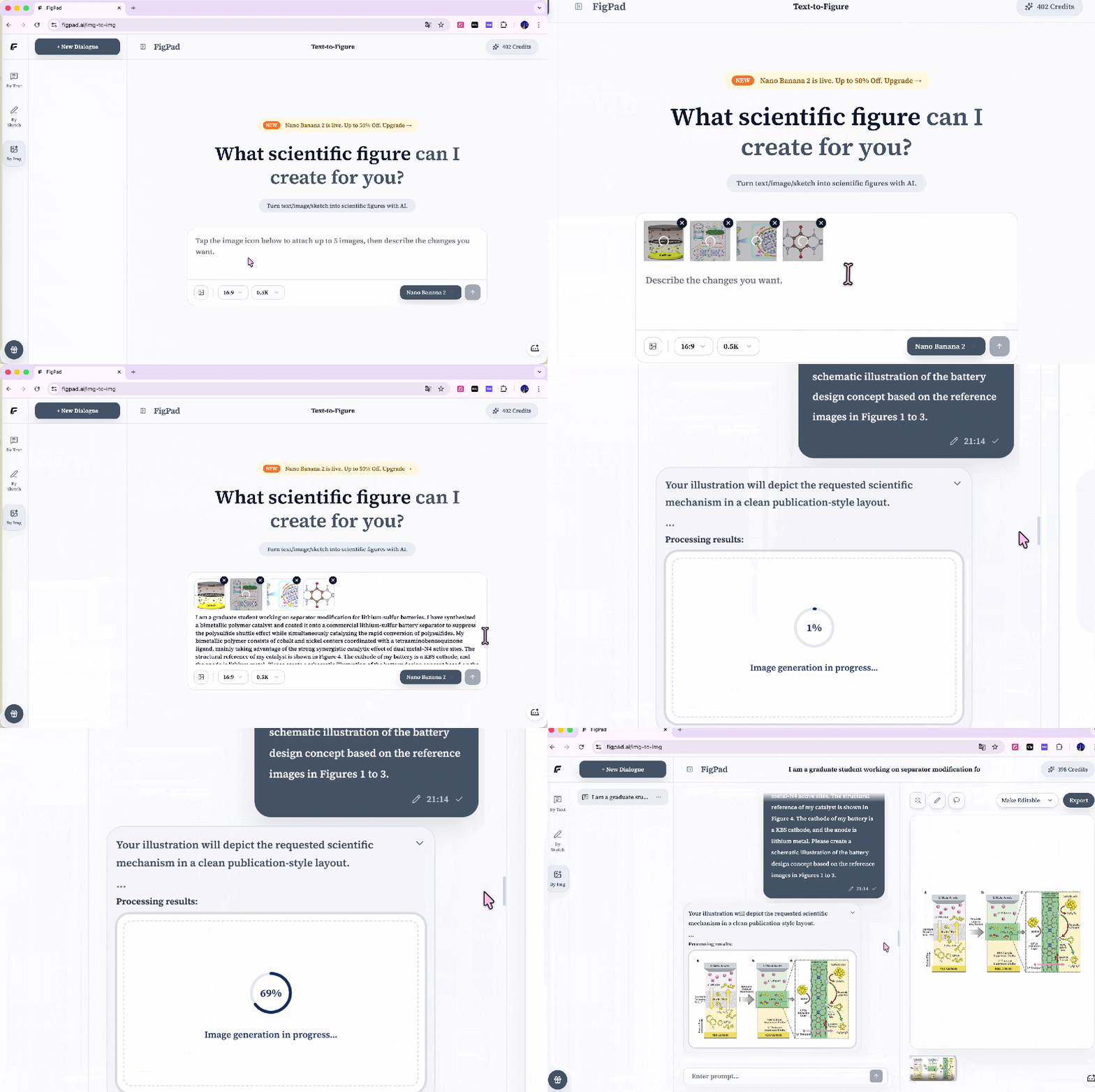
03 | By Img: when you see a good figure from a top journal, recreate the same style in one click. Best for: people who want a series of figures to maintain a highly unified style.
Drop in a few reference images and tell FigPad the style you want to keep. There is no need to manually pick colors or adjust line widths anymore; it can immediately and perfectly recreate that "high-end feel."
The feature that truly makes it "god-tier": the generated figure can actually be edited!
If you have been tortured by flat images from Midjourney where you cannot change even one wrong word, you will definitely love FigPad. It directly kills the chronic problem that "AI images cannot be edited a second time"!
The figure you generate is no longer a one-shot deal. Instead, it can be exported in one click, directly giving you two professional options that can be further operated on:
SVG vector files that can be modified immediately! With the help of a powerful vectorization engine, it layers all the elements in the figure. This means you can throw it into Illustrator and treat the AI-generated materials as your own building blocks: drag freely, change colors, rewrite text. Even when enlarged to academic poster size, it remains clear!
Print-grade PNG that reviewers cannot complain about! Forget those blurry mosaics. It preserves full native resolution and directly matches the hard 300 DPI requirement of journals. Once the figure comes out, send it straight to the editorial office.
Final words
You can get free credits after registering. Interested students, go try it quickly. https://figpad.ai/
